When equipping a computer lab, the core choice is simple: AIO PCs or NUC mini PCs + separate monitors. Labs need reliability, easy maintenance and cost efficiency. Both options deliver standard computing performance, but key differences in cabling, upkeep, upgrades and lifecycle costs make one a better fit for your setup. This post cuts straight to the essentials for a quick decision.
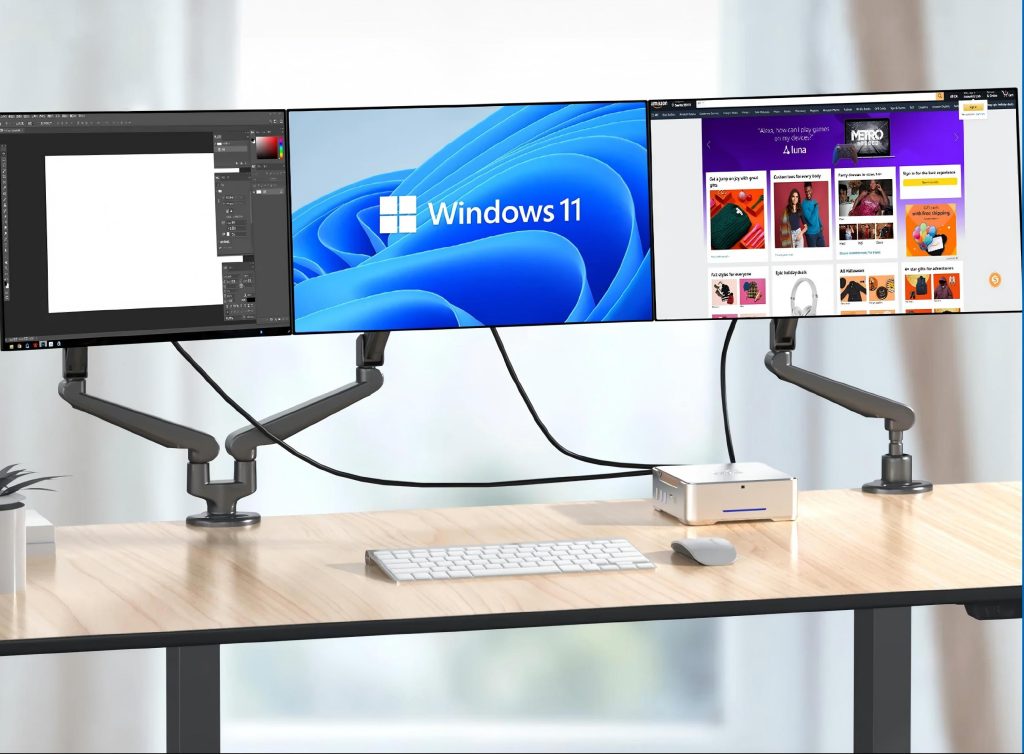
1. Layout & Cable Management
AIO PCs feature an all-in-one integrated design with only one power cable required. They create a clean, cable-free, uniform lab layout and save desk space with zero extra wiring work.
NUC + Monitor is compact but needs both power and video cables. While neater than traditional desktops, it still requires extra cable management and cannot match the tidy look of AIOs.
2. Maintenance & On-Site Repairs
AIO PCs have fewer cable issues for daily use. However, their integrated structure makes hardware repairs complicated and on-site troubleshooting slow.
NUC + Monitor is fully modular. Faulty NUCs or monitors can be swapped out separately with no complex disassembly, minimizing lab downtime and simplifying maintenance.
3. Upgrade & Long-Term Scalability
AIO PCs have almost no upgradeability. Hardware is fixed inside; any performance update requires full device replacement, raising long-term costs.
NUC + Monitor is highly scalable. Hosts and monitors can be upgraded or replaced separately, avoiding full refresh and reducing long-term equipment waste.
4. Total Cost & Lab Applicable Scenarios
AIO PCs have lower upfront costs. Best for basic teaching labs with fixed needs and no planned hardware upgrades.
NUC + Monitor costs slightly more initially but saves money long-term. Ideal for professional training labs needing regular performance upgrades.